A complete golf simulator package usually bundles a launch monitor, software, an enclosure or screen, a hitting mat, and sometimes a projector and computer. Bundles save you the work of matching parts. They don't always save money, and the quality of each piece varies. Below is how to compare packages by budget, what to check before buying, and where we can't give firm numbers.
A note on prices: bundle prices, contents and software terms change often. We haven't listed dollar figures here. Confirm current details on each manufacturer's or retailer's official site, and use our Golf Simulator Cost, Packages & Value guide for the broader cost picture.
What "complete" should actually include
Packages often use the word loosely. Before comparing, check whether each of these is included, and note what you'd have to add:
- Launch monitor and the software that runs it.
- Enclosure, impact screen and net that can safely stop a full-speed shot.
- Hitting mat with a turf you can practice on regularly.
- Projector and a computer able to run the software (often not included).
- Courses and game modes, and whether any are locked behind a paid tier.
Budget tiers at a glance
These tiers describe what buyers can generally expect at each level. They aren't quotes, and individual packages vary.
| Tier | Typically included | Typically missing or limited | Best for |
|---|---|---|---|
| Entry | Basic launch monitor, net or simple screen, basic mat | Projector and computer often separate; fewer data points; thinner mat | Practice, casual play, small spaces |
| Mid-range | Better monitor, proper impact screen and enclosure, sturdier mat | Computer or projector may still be extra; software may need a plan | Regular home use, mixed practice and play |
| Premium | High-accuracy monitor, full enclosure, quality projector, upgraded mat | Cost, plus a room that fits the setup | Serious players, shared family or club use |
How the tiers differ in practice
Entry level: the trade is accuracy and flexibility
Entry packages get you hitting indoors without a big outlay. Expect some compromises: fewer measured data points, less reliable readings on certain shots, and parts you may outgrow. If you plan to upgrade later, check that the monitor works with other screens, mats and software.
Mid-range: where most home buyers land
This tier usually gets the fundamentals right, with a sturdier enclosure and a mat that doesn't punish your joints. The main thing to check is what's left out. A mid-priced bundle without a projector or capable computer can end up costing more than it first appears. Our projector and computer guide covers those add-ons.
Premium: pay for the whole room, not just the monitor
At the top end you're paying for measurement quality, build quality and a better visual experience. The returns diminish, though. A casual player may never use the extra data. A player working on specific swing changes might.
Where bundles hide costs
- Software access. Some monitors need a paid plan for full features or courses. See whether simulators require a monthly subscription and check the terms on the official site before you buy.
- Computer requirements. Software often has minimum specs. Confirm them against what you own.
- Installation and room prep. Ceiling height, width and depth all matter. Check the monitor's stated space requirements, because swing clearance and ball-flight tracking depend on them.
- Shipping and return terms. Large boxes can be costly to send back.
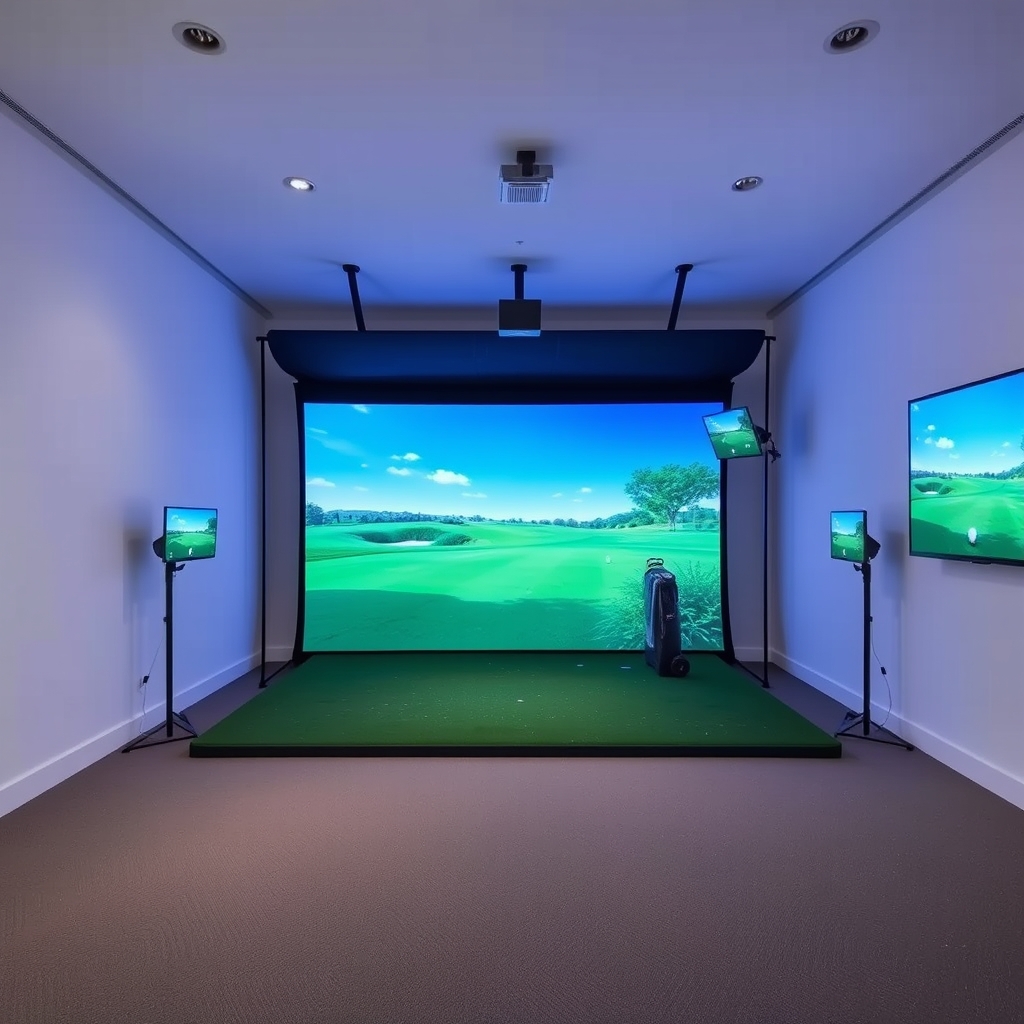 Recommended for youBest Golf Simulator Enclosures, Impact Screens and Net Setups
Bundle versus building your own
Bundles mean fewer compatibility questions, one point of contact for support, and sometimes a lower combined price. The downside is that one weak part, often the mat or screen, can come with an otherwise good monitor.
Building your own lets you put money where you'll notice it. Our guides to enclosures, impact screens and nets and hitting mats help with the parts bundles most often skimp on. The cost is more research, and you have to check compatibility yourself.
A practical buying process
- Measure your space. Record ceiling height, width and depth. Compare them to the monitor's and enclosure's stated requirements.
- Decide your main use. Practice data, simulated rounds, or entertainment? This points you to a tier.
- Set a total budget, including computer, projector, mat and any software plan.
- List what each bundle leaves out and price those items separately.
- Read the software terms on the official site, including what's free and what isn't.
- Check return and warranty policies before paying.
- Follow the manufacturer's setup and safety instructions. Mis-hits can ricochet, so don't improvise on screen tension or net placement.
Is it worth it, and will it hold value?
That depends on how often you'd play. Our break-even guide walks through the math with your own numbers. If you might sell later, read whether simulators hold their resale value. We can't promise any particular resale outcome, and it varies by brand, age and condition.
What we don't know
- Current bundle prices and contents, which change often. Check the official site.
- How accurate any monitor will be for your swing and setup. Independent testing helps, but results vary.
- Whether a bundle's included parts will suit your room until you've measured it.
Next step
Start with your space and total budget, then compare two or three bundles in your tier line by line, including what's missing. For the full cost picture, head to Golf Simulator Cost, Packages & Value.
Keep reading
 Best Golf Simulator Hitting Mats: Turf Types, Feel and CostThe short answer For most home setups, a dual-density mat with a dense nylon turf top over a foam o…
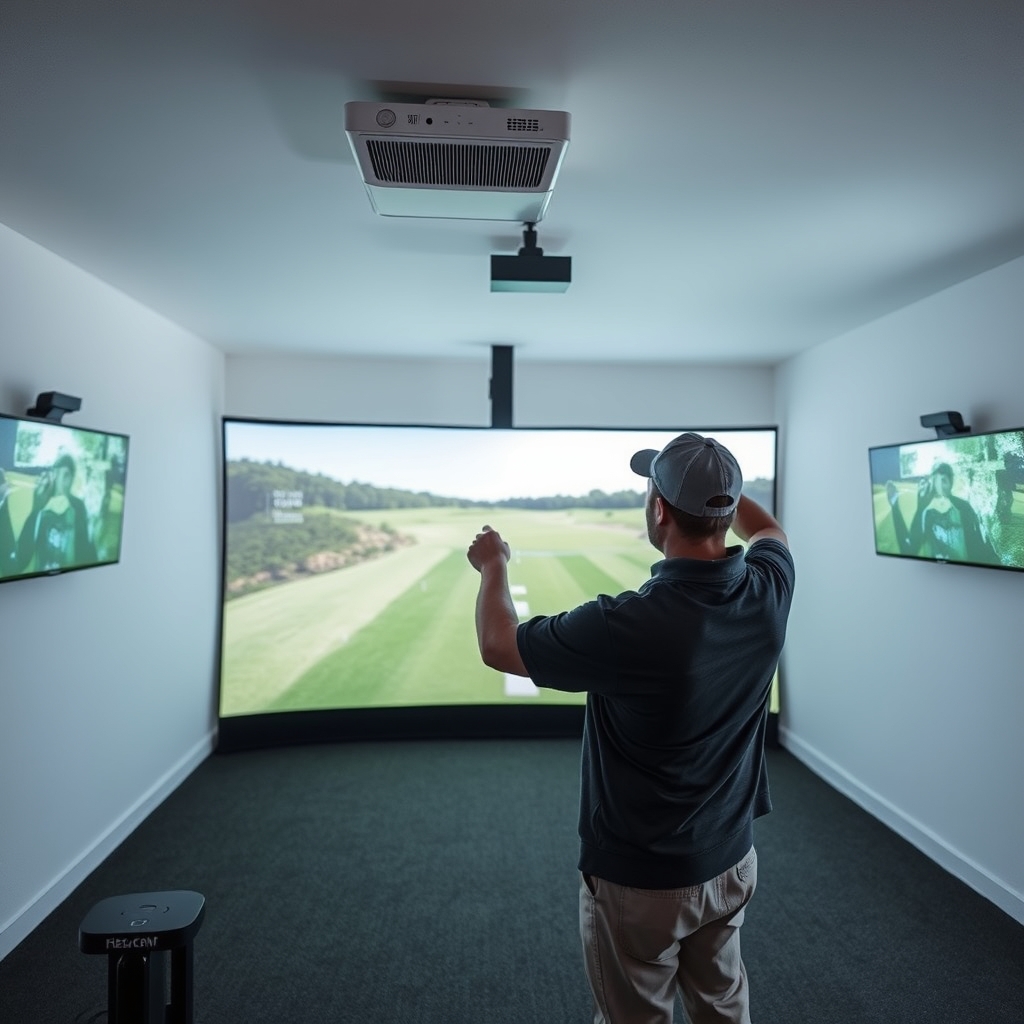 Golf Simulator Projectors and Computers: What to Buy and What They CostIf you're building a home golf simulator, the projector and computer decide how the whole setup loo…
 Golf Simulator vs Course Fees: Break-Even Math and Real PaybackA home golf simulator can pay for itself against course fees, but only under certain conditions. It…