If you're building a home golf simulator, the projector and computer decide how the whole setup looks and runs. This page explains how to choose both, where the real tradeoffs are, and what to check before you spend money. We don't list prices here because they change often and vary by retailer. Confirm current prices and specs on each manufacturer's official site.
The short version
- Measure your room first. Ceiling height, room width and the distance from the hitting spot to the screen decide which projector types will work.
- Check the software's published specs before buying a computer. Requirements differ a lot between simulator programs, and the publisher's minimum and recommended lists are the only reliable source.
- Don't overspend on one part. A very bright projector is wasted if the computer can't render smoothly, and the reverse is also true.
Choosing a projector
Start with throw distance
Throw ratio is the relationship between the distance to the screen and the width of the image. Every projector lists it, usually as a range. Use the manufacturer's throw calculator, or do the math from the spec sheet, to see where the projector must sit to fill your screen.
- Standard-throw: Needs more distance, so it is usually ceiling-mounted behind the golfer. It works well in rooms with decent ceiling height. Your shadow can fall on the screen, and a low ceiling raises the risk of hitting the projector with a club.
- Short-throw: Fills the screen from much closer, so it can sit nearer the screen and reduce shadows. It is often a good fit for tight rooms. Check the placement and the risk of stray shots carefully.
Brightness, resolution and lag
- Brightness (lumens): More brightness helps if you can't fully darken the room. As a rule of thumb, rooms with some ambient light need a brighter projector than a blacked-out basement. Treat manufacturers' lumen figures as a rough guide, because testing methods vary.
- Resolution: Full HD is common, and 4K costs more. Whether you'll notice the difference depends on screen size, viewing distance and what your software renders.
- Input lag: Slow response can make the screen feel behind the shot. Look for reviews or specs that mention lag or a gaming mode.
- Aspect ratio: Make sure the projector's native ratio matches your screen and your software's output. A mismatch wastes image area or stretches the picture.
Lamp, laser and upkeep
Lamp life, fan noise and replacement costs differ by technology. Check the manufacturer's stated lamp or light-source life and what replacements cost. These figures are specific to each model, so we won't generalize them here.
Choosing the computer
Match the platform to the software
Some launch monitors run on a phone or tablet app. Others need a Windows PC for full-featured course software. Mac support varies by program. Before you buy anything, look up:
- The operating systems the software supports
- The minimum and recommended processor, memory and graphics requirements
- Whether the course library or premium features require a separate plan (see Do golf launch monitors and simulator software require a monthly subscription?)
Laptop or desktop?
- Desktop: Usually easier to upgrade and cool, and can offer more performance per dollar. It needs a permanent spot and a monitor for setup.
- Laptop: Compact and portable, but gaming-capable models cost more and can run hot. Check that the graphics hardware meets the software's recommended list, not just the minimum.
- Tablet or phone: Fine for basic range and practice apps. Detailed 3D courses at projector resolution may not run as well.
Also confirm the computer's video output matches the projector's inputs, and plan for cable length. Long HDMI runs to a ceiling mount sometimes need active cables or extenders.
 Recommended for youBest Complete Golf Simulator Packages: Home Bundles Compared by Budget
Comparing setup paths
| Setup | Good for | Tradeoffs | Main cost drivers |
|---|---|---|---|
| Ceiling-mounted standard-throw + PC | Rooms with ample ceiling height and depth | Shadow risk, club-strike risk, more cabling | Projector, mount, PC graphics, cable runs |
| Short-throw projector + PC | Tighter rooms, reducing shadows | Placement needs careful planning, and options differ by model | Projector, mount or stand, PC graphics |
| Tablet/phone app + smaller display | Simple practice, small spaces | Less detailed visuals, fewer course options | Display or projector, device you may already own |
Step-by-step: how to buy
- Measure the room: ceiling height, width, and the distance from the ball to the screen.
- Pick the launch monitor and software you'll use, since they set the computer requirements.
- Choose the screen size that fits the room, which also affects the enclosure, impact screen and net setup.
- Use throw calculators to shortlist projectors that fit your distance.
- Check the PC against the software's recommended specs.
- Add the extras: mount, cables, power, and a hitting mat.
- Confirm current prices, return policies and warranty terms on the official sites.
Budget and value
The projector and computer are usually only part of the total cost. The launch monitor, enclosure, screen and mat often add as much or more. For the full picture, read Golf Simulator Cost, Packages & Value. If you'd rather not source every part yourself, Best Complete Golf Simulator Packages: Home Bundles Compared by Budget compares bundles that include some or all of these components. Check what each package actually includes, because some leave out the computer or projector.
If you're weighing the whole investment against paying for rounds, see Golf Simulator vs Course Fees: Break-Even Math and Real Payback. For resale value, read Do golf simulators hold their resale value?
What we don't know
- Your exact room. Lighting, ceiling shape and layout can change which projector works best.
- Future software requirements. Updates can raise the computer specs you need, so leave some headroom.
- Current prices and availability. These shift, so check official sites.
Electrical work, ceiling mounting and heavy equipment installation carry real safety considerations. If you're unsure about wiring or ceiling structure, consult a qualified electrician or installer.
Keep reading
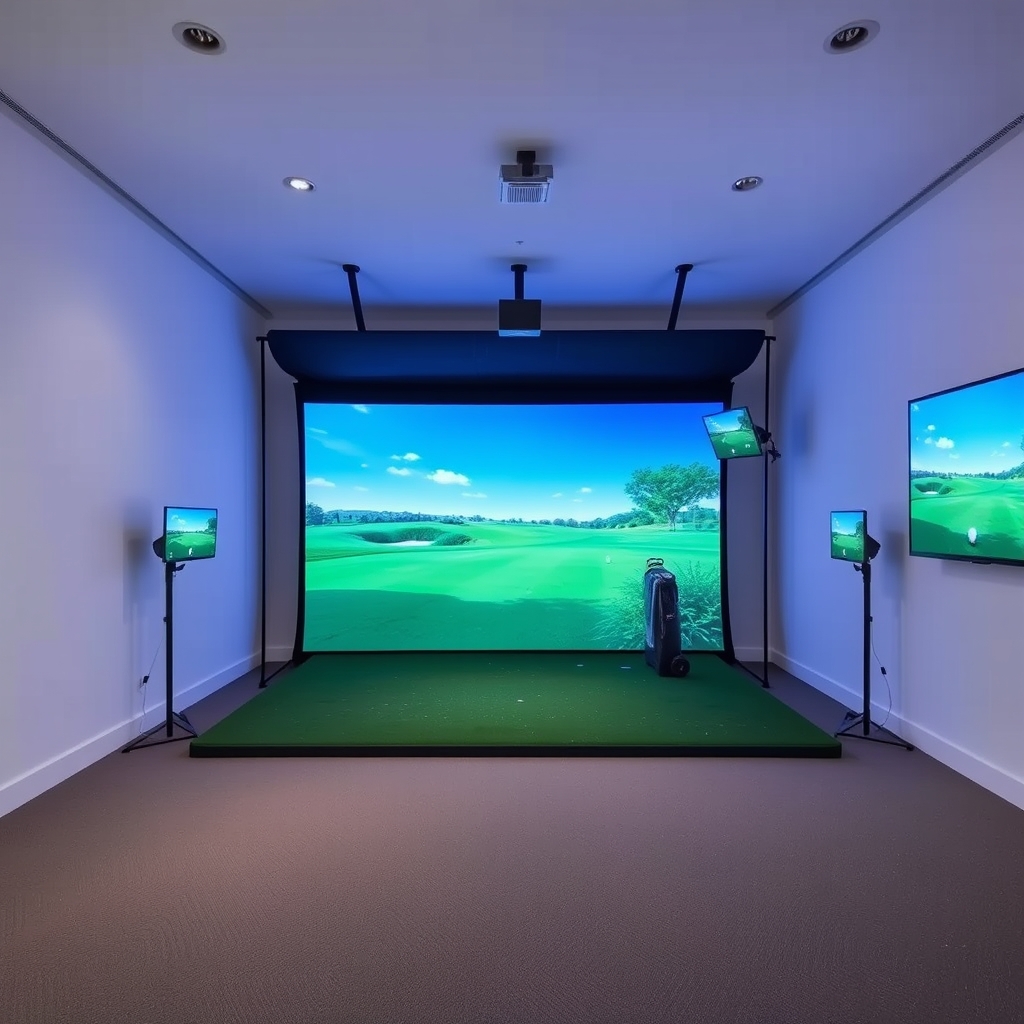 Best Golf Simulator Enclosures, Impact Screens and Net SetupsAn enclosure setup has one job: stop the ball safely and, if you use a projector, give you a surfac…
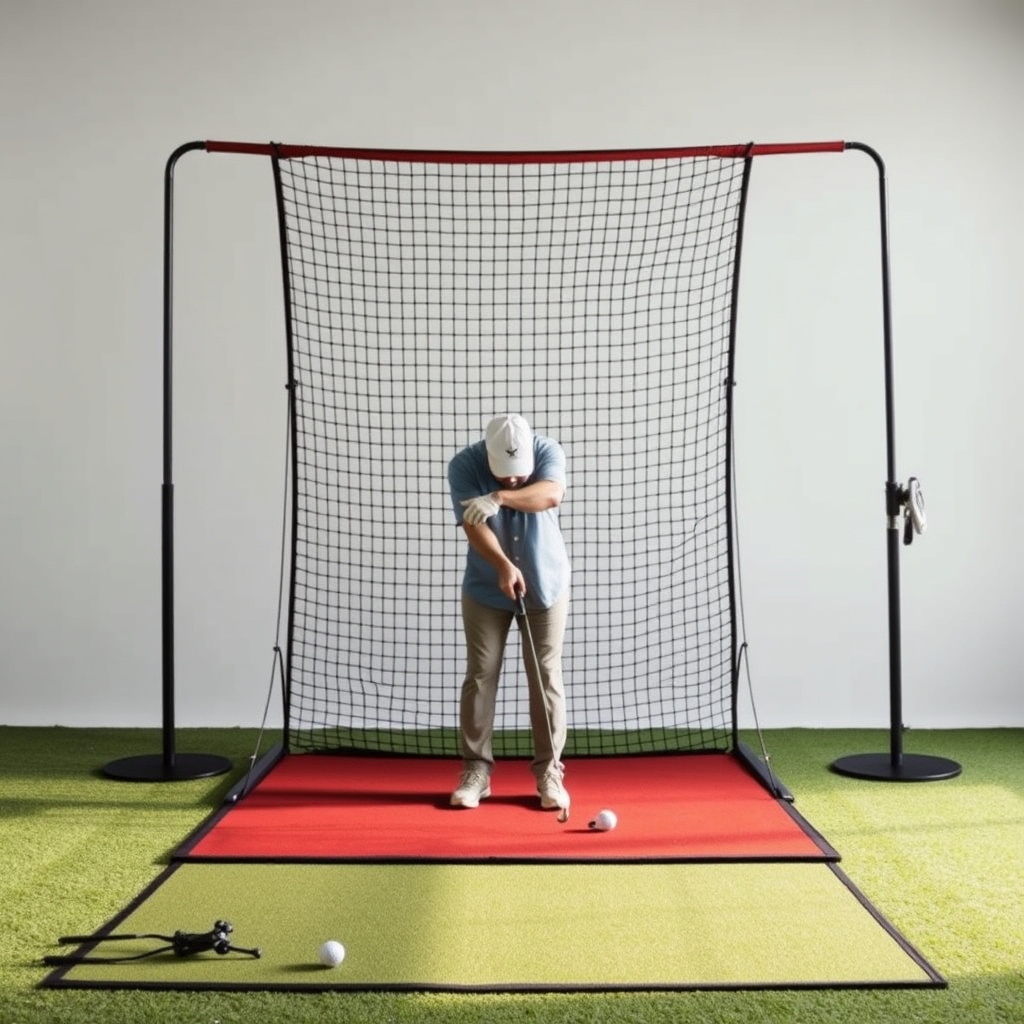 Best Golf Simulator Hitting Mats: Turf Types, Feel and CostThe short answer For most home setups, a dual-density mat with a dense nylon turf top over a foam o…
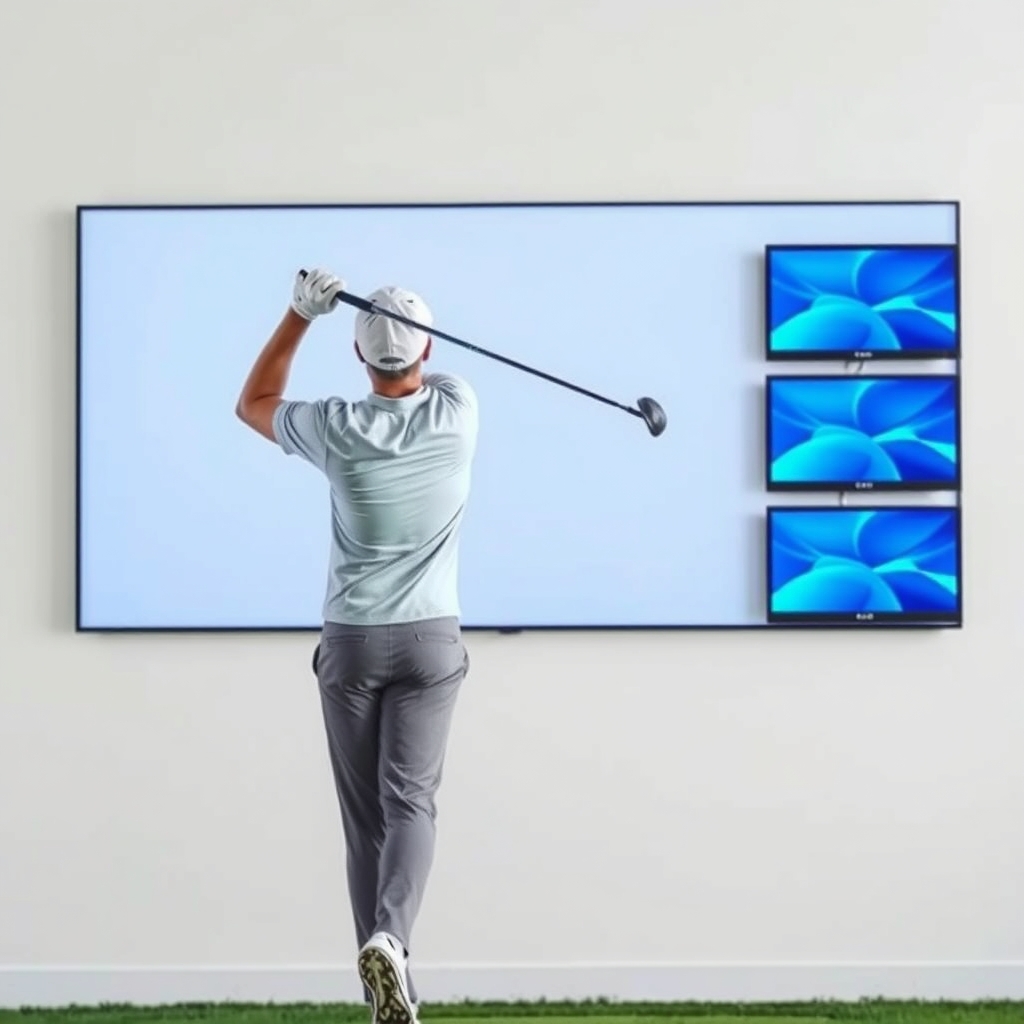 Golf Simulator vs Course Fees: Break-Even Math and Real PaybackA home golf simulator can pay for itself against course fees, but only under certain conditions. It…