An enclosure setup has one job: stop the ball safely and, if you use a projector, give you a surface to see the game on. Most buyers get the choice right by measuring the room first, then deciding between a net and a full impact screen. Brand comes later. This guide covers the options, the tradeoffs, and the order to do things in.
The three parts, in plain terms
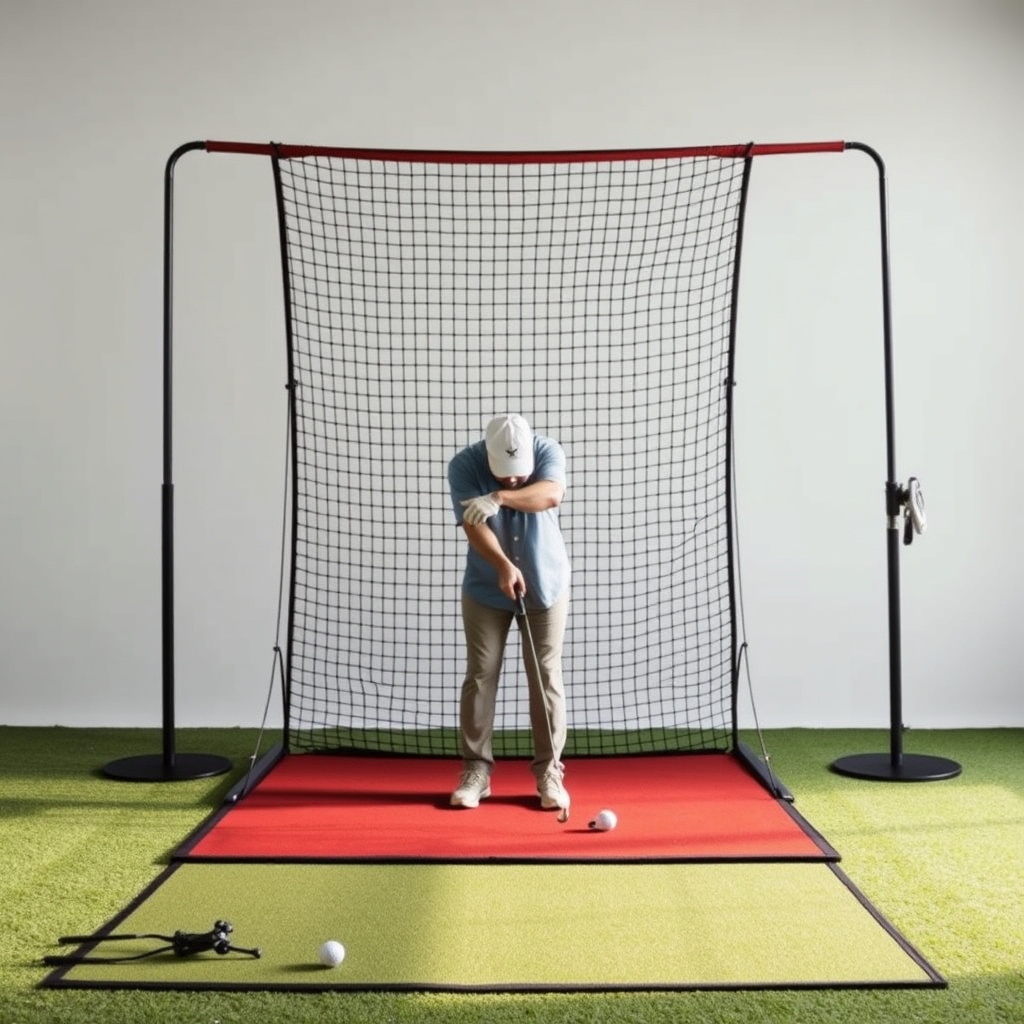
- Enclosure frame: the structure that holds everything. It is usually metal tubing, or sometimes a wall or ceiling mount you build yourself.
- Impact screen: a tough fabric that takes the ball and, if you use a projector, shows the image.
- Net: a cheaper ball-stopper with no projected image. Many people pair a net with a launch monitor and a tablet or TV.
Setup types compared
| Setup | Best for | Main tradeoff |
|---|---|---|
| Net only | Practice, garages, tight budgets | No projected course view. Check how the net handles repeated full-speed impacts. |
| Net with side panels or barriers | Shared spaces and wayward shots | Takes more room, and you still have no big image. |
| Frame with impact screen | Projector-based play | Needs a projector, enough depth and a dark-ish room. |
| Wall- or ceiling-mounted screen | Permanent dedicated rooms | Takes more DIY work and is harder to move or sell on. |
We haven't listed prices because they change often and vary by size and seller. Confirm current details on each manufacturer's official site.
Step 1: Measure before you shop
- Ceiling height: measure the lowest point you will swing under, including lights, fans and beams. Then swing your driver slowly with a partner watching for clearance.
- Width: check that you can swing comfortably, and think about left-handed players if others will use the space.
- Depth: you need room behind the ball for the swing, plus distance to the screen. Some launch monitors, especially radar types, often want more distance than camera-based ones. Check your monitor's stated requirements.
- Enclosure dimensions: compare the maker's listed sizes against your room. Don't assume they are the same as your measurements.
Step 2: Choose a net or a screen
When a net is enough
If your goal is data and practice, a net plus a launch monitor works fine. You skip the projector and the dark-room fuss. The tradeoff is that you play on a small screen, or not at all.
When to get an impact screen
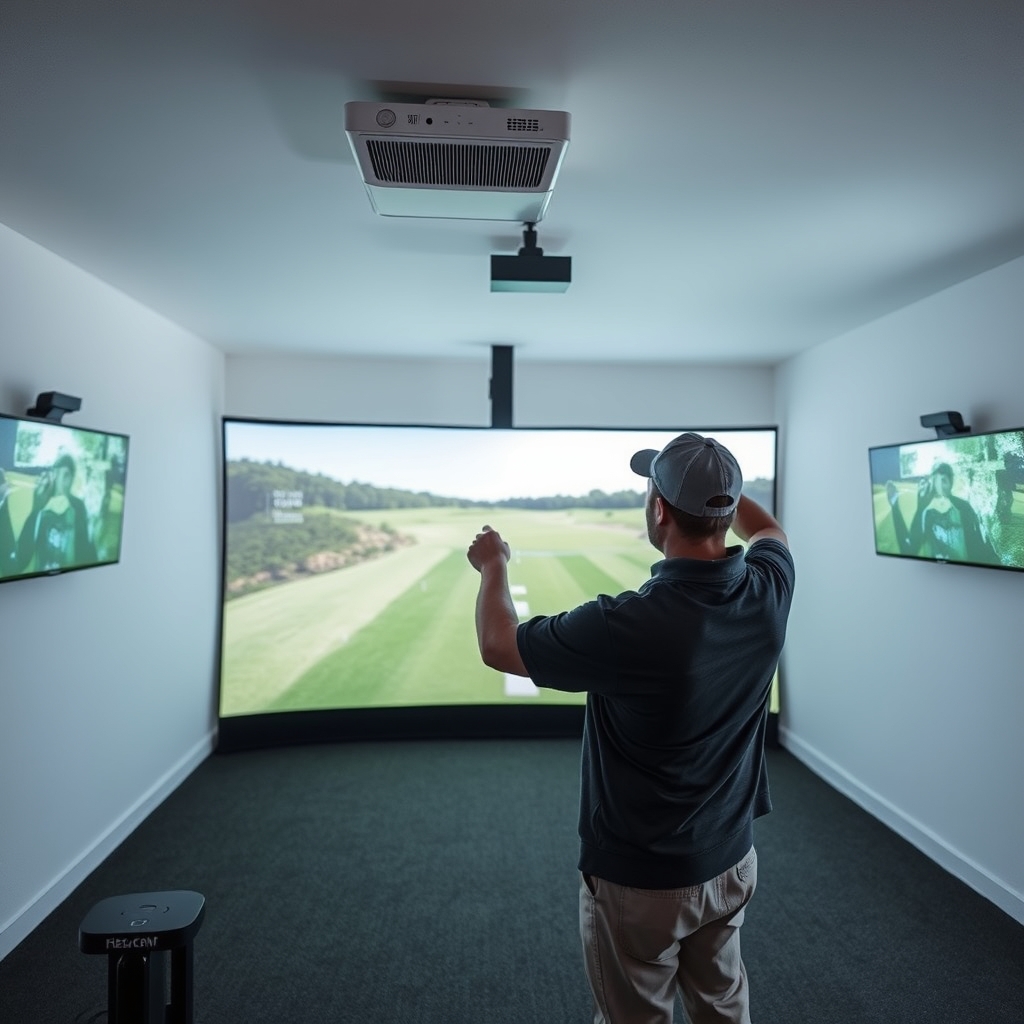
If you want the course on the wall, you need a screen. Budget for the projector and computer as well. Our projector and computer guide covers what to buy and what it costs.
What to look for in an impact screen
- Construction: makers often describe layers or material weight. Check those claims against reviews, and treat any durability promise cautiously unless it is in a written warranty.
- Tension: a tight screen gives a cleaner image but can return the ball with more energy. A looser one absorbs more but may ripple. Ask about the maker's recommended tension.
- Noise: impact sound varies. If you live in an apartment or share walls, read reviews about it.
- Image quality: seams, texture and color tone all change how a projector looks. Compare sample photos from real setups, not just marketing renders.
- Wear: expect marks where you hit most often. We don't have reliable lifespan data, so check the warranty terms on the official site.
 Recommended for youBest Complete Golf Simulator Packages: Home Bundles Compared by Budget
Safety and ball bounce-back
A ball can ricochet off a screen, frame or mat, and no setup removes that risk. A few habits help:
- Leave real distance between the ball and the screen, as the manufacturer recommends.
- Use side and top padding or barriers to cover the frame and any gaps.
- Consider eye protection, especially when testing a new setup or hitting short irons.
- Keep children, pets and spectators out of the line of fire.
- Follow the manufacturer's instructions for assembly and tensioning.
If you are building a permanent installation, such as a ceiling mount or electrical work for a projector, consider a qualified contractor.
Don't forget the floor
The mat affects your swing, your joints and the sound. Our hitting mat guide covers turf types, feel and cost. Enclosure shopping is a good moment to settle the mat too, so the whole stance area works together.
Buy separately or as a package?
Buying separately lets you choose each part and often fits odd room sizes. A package makes it easier to know that things fit together and reduces the research. Packages can include an enclosure, screen, mat and sometimes a launch monitor. Compare them in our complete package comparison by budget. Check that the pieces match your room measurements before ordering.
For the full picture of what a build tends to cost, see Golf Simulator Cost, Packages & Value. If you are weighing it against course fees, the break-even math is worth a look.
Things we can't tell you
- Exactly how long a given screen or net will last for your swing speed and volume.
- Whether a particular enclosure fits your specific monitor's space needs. Check both specs.
- Current prices and stock. Confirm on the official site.
Two related questions come up a lot. Our answer on resale value may help if you think you'll upgrade later. If you're also choosing software, read about subscription requirements before you commit.
A simple recommendation path
- Measure the room and note your launch monitor's space needs.
- Decide whether you want a projected image.
- If not, start with a net and padding. If yes, pick a frame and impact screen that fit.
- Add safety padding, then the mat.
- Compare bundles before buying parts piece by piece.
Keep reading
 Best Golf Simulator Hitting Mats: Turf Types, Feel and CostThe short answer For most home setups, a dual-density mat with a dense nylon turf top over a foam o…
 Golf Simulator Projectors and Computers: What to Buy and What They CostIf you're building a home golf simulator, the projector and computer decide how the whole setup loo…
 Golf Simulator vs Course Fees: Break-Even Math and Real PaybackA home golf simulator can pay for itself against course fees, but only under certain conditions. It…