Short answer: A golf ball hit indoors can come back at you, and no screen or net setup makes that impossible. You can lower the risk by using a purpose-made impact screen, hanging netting so it absorbs energy instead of bouncing it, padding the surfaces around the screen, and keeping your hitting position and swing habits honest. Follow your screen or enclosure maker's instructions over any general rule of thumb, including ours.
Why balls come back
Most simulator screens are built to absorb a ball and drop it. A ricochet usually comes from something around the screen rather than the screen itself. The usual culprits:
- Hard edges and frames. A ball that clips a metal or wood frame can go almost anywhere.
- Off-center strikes. A shank, a heavy toe hit or a thin shot can head toward a side wall or the ceiling instead of the screen.
- Hard surfaces behind a taut screen. A screen stretched tight against drywall or concrete gives the ball less room to lose energy.
- Floor and ceiling bounces. A low shot that hits the floor in front of the screen, or a high one that hits the ceiling, can change direction in ways you can't predict.
We don't have reliable public data on how often indoor ricochets cause injuries, and we won't make up numbers. What we can say is that driver ball speeds are high enough for the risk to be worth planning around, and the ball is small and hard.
Screen, net or full enclosure?
- Impact screen alone: The cleanest look and the usual choice for projection. Check the maker's guidance on how much clearance to leave behind it.
- Screen plus backup netting: Netting behind or around the screen catches the occasional miss. It adds clutter but also adds a margin.
- Enclosure with side panels: Helps with wide misses and protects side walls. It takes more floor space and costs more.
- Net only: Cheapest, but you lose the projected image and the ball often drops in front of your sensors. It's more for practice than a full simulator.
If you're weighing specific products, see our reviews and comparisons, then confirm current specs, ratings and what's included on each maker's official site.
Netting placement: principles that hold up
Leave slack behind the screen
A taut surface against a hard wall tends to bounce the ball back. Most makers recommend a gap between the screen and the wall, and some suggest a loose-hanging net or padding behind it. Use the exact distance your manufacturer specifies.
Cover the edges, not just the middle
Most golfers aim at the center, but misses go sideways and up. Make sure the screen, net or panels extend past the screen frame on the sides and overhead, so a poor strike doesn't find a bare wall or light fixture.
Close the gaps
Check the bottom edge and corners, where screens often leave a space. A ball that goes under or around can hit a wall or a hard object you hadn't thought about.
Hang it so it can't fail
Use hardware rated for the load, and don't hang netting from a ceiling that can't carry it. If you're attaching to joists, beams or a garage door track, a professional can confirm what will hold. See DIY vs. professional installation for when to bring one in.
Protecting your walls, ceiling and floor
| Surface | Main risk | Practical protection |
|---|---|---|
| Wall behind screen | Dents, ball bounce-back | Gap behind the screen, plus padding or a loose net |
| Side walls | Shank damage, ricochets | Side netting or panels, or padding at likely impact zones |
| Ceiling and fixtures | Broken lights, overhead rebounds | Check clearance first, recessed or protected lighting, overhead netting if needed |
| Floor | Mat damage, ball bounce | Thick hitting mat over firm flooring, with a ball-stopping strip in front of the screen |
If you rent, wall protection matters more, since damage can cost you a deposit. Our guide on setting up a simulator in an apartment or rental covers that, and it's worth reading your lease first.
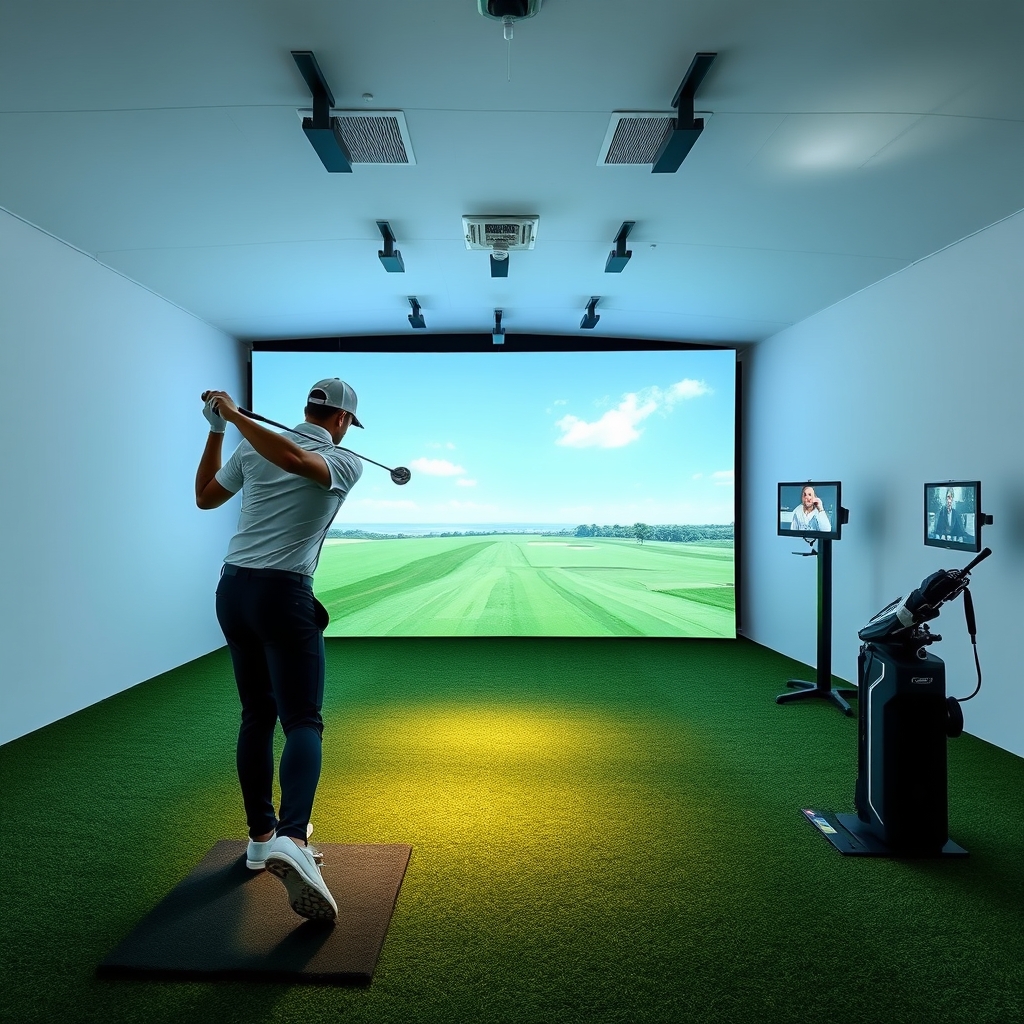 Recommended for youGolf Simulator Room Dimensions and Ceiling Height: Minimum Space Requirements by Club and Swing
Room layout and safety zones
Safe netting still needs enough room. A cramped space leaves little margin for a ball to lose speed, and it puts the screen close to hard surfaces. Check room dimensions and ceiling height by club and swing before you buy, and see the broader room setup guide for layout.
- Keep people out of the line. Nobody should stand beside or in front of the hitter while someone swings, including kids and pets.
- Mind sensor position. A launch monitor near the ball can get hit by a mishit. See how far a launch monitor should be from the ball and screen.
- Never hit into a TV. Screens crack, and a ball can bounce off one unpredictably. See whether a TV can replace a projector.
- Keep the area visible. Dim rooms hide trip hazards and net edges. See simulator room lighting for ways to manage light without causing sensor problems.
Garages and basements each have quirks, such as door tracks, pipes, beams and bare concrete. Our garage build walkthrough and basement build guide cover them.
Honest tradeoffs
- More coverage means more cost and less space. Full enclosures protect more but take up room.
- Padding helps walls, not people. It reduces damage but doesn't stop a ball from coming back.
- Clean aesthetics can conflict with safety. Hiding netting looks better, but extra coverage is worth having if your misses are wild.
- Short-hitting or wedge-only practice carries less risk. Full driver swings need the most care.
Pre-use safety checklist
- Read the screen or enclosure instructions and note the specified clearances.
- Leave a gap behind the screen, with slack or padding behind it.
- Extend coverage beyond the screen on both sides and overhead.
- Check that hardware is rated and anchored to solid structure.
- Check ceiling height, fixtures and side walls for strike zones.
- Clear the room of people, pets and fragile items before swinging.
- Start with slow, easy swings, and inspect for damage regularly.
When to get a professional
Consult a qualified installer or contractor if you're mounting to ceiling structure, working near electrical or lighting, or unsure what your walls and joists can hold. Some golfers also choose eye protection. That's a personal choice, but it's reasonable. No setup removes all risk, so keep an eye on how your swing is behaving and stop if shots start going wild.
Keep reading
 Garage Golf Simulator Build: Step-by-Step Walkthrough, Climate, Flooring and Gear ChecklistBefore you buy anything: what a garage build involves A garage is one of the most common places to…
 Basement Golf Simulator Build: Low Ceilings, Beams, Layout and Compatible GearStart with the room, not the gear Basements are good simulator rooms: no weather, no neighbors watc…
 Golf Simulator Room Lighting: Controlling Glare, Ambient Light and Sensor InterferenceLighting is one of the easiest things to get wrong in a golf simulator room, and one of the cheapes…