There is no single distance, because it depends on the type of launch monitor. Radar units usually sit behind the ball, often several feet back. Camera-based units usually sit beside or just in front of the ball, much closer. Your model's manual gives the real number, and it's worth confirming on the manufacturer's official site since guidance can change with firmware or product updates.
Launch monitor to ball
| Type | Where it typically sits | What to check |
|---|---|---|
| Radar-based | Behind the ball, on the floor or a stand, in line with the target | Minimum distance back, minimum ball flight distance, and whether it works with a net close to the hitter |
| Camera / photometric | Beside the ball, in front, or overhead | Exact offset from the ball, mounting height, and the required hitting-zone markings |
Radar tracks the ball after it leaves the face, so room depth matters more. Camera systems read impact in a small zone, so lateral placement matters more. Setup accuracy matters with both. A unit that's slightly off-line or off-level can give you unreliable numbers.
Ball to screen
This distance is a mix of safety, image quality and sensor needs. Hit too close to the screen and you raise the risk of ricochet and wear on the screen. Too far and you may run out of room behind you. We don't have a verified universal minimum. Many home builds leave a few feet between the ball and the screen, but treat that as a starting point, not a rule. Check your launch monitor's ball-flight requirement and your screen or net maker's guidance. Our safety guide covers netting placement and protecting your walls.
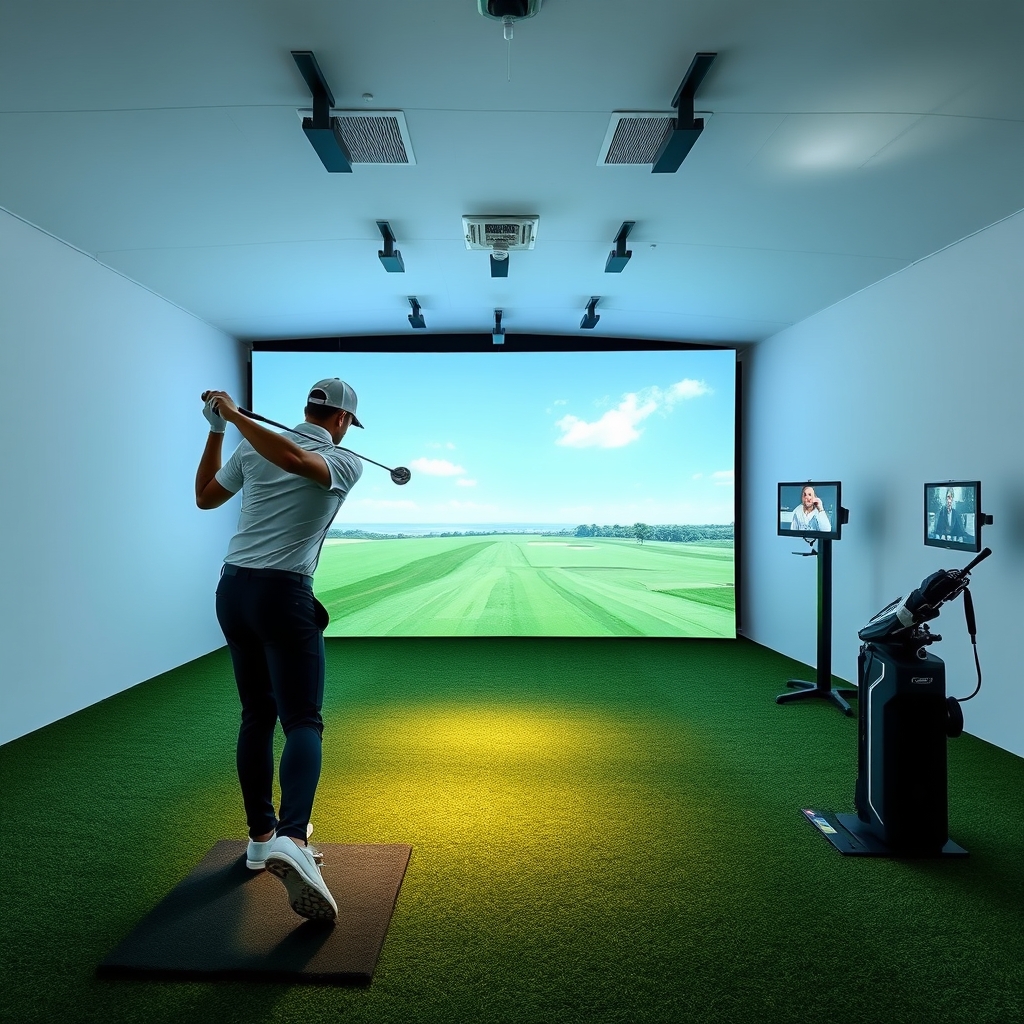 Recommended for youGolf Simulator Room Dimensions and Ceiling Height: Minimum Space Requirements by Club and Swing
Other distances that interact
- Projector or TV: A projector's throw distance has to fit your room alongside the hitting position. See TV vs projector if space is tight.
- Ceiling and swing room: Depth is only part of the picture. Room dimensions and ceiling height covers the rest.
- Lighting: Glare and ambient light can interfere with sensors, especially camera-based ones. Read the lighting guide.
How to plan it
- Pick the launch monitor first, since its requirements set the layout.
- Measure your room's usable depth, width and height.
- Mark the hitting spot, then work out the monitor position and screen position from the manual.
- Test with tape or a stand before drilling or mounting anything.
If you're not confident with the layout, a professional can help. DIY vs professional installation lays out the tradeoffs.
Related
For the full picture, start with Golf Simulator Room Setup & Space Requirements. Building in a specific space? See the garage walkthrough, the basement guide, or apartment and rental considerations. When comparing launch monitors, check each model's placement requirements on the official site before you buy.
Keep reading
 Garage Golf Simulator Build: Step-by-Step Walkthrough, Climate, Flooring and Gear ChecklistBefore you buy anything: what a garage build involves A garage is one of the most common places to…
 Basement Golf Simulator Build: Low Ceilings, Beams, Layout and Compatible GearStart with the room, not the gear Basements are good simulator rooms: no weather, no neighbors watc…
 Golf Simulator Room Lighting: Controlling Glare, Ambient Light and Sensor InterferenceLighting is one of the easiest things to get wrong in a golf simulator room, and one of the cheapes…